
 Monthly Calendar View
 Academic Calendar
 Attendance
 Contact Us
 Infinite Campus Portal
 Lunch Menu
 Parent Dashboard
 Prepare for 26/27 Year
 Policies
 PTO Sponsors
 Volunteer Hours
 Uniforms & Spirit Wear
How to Pay:
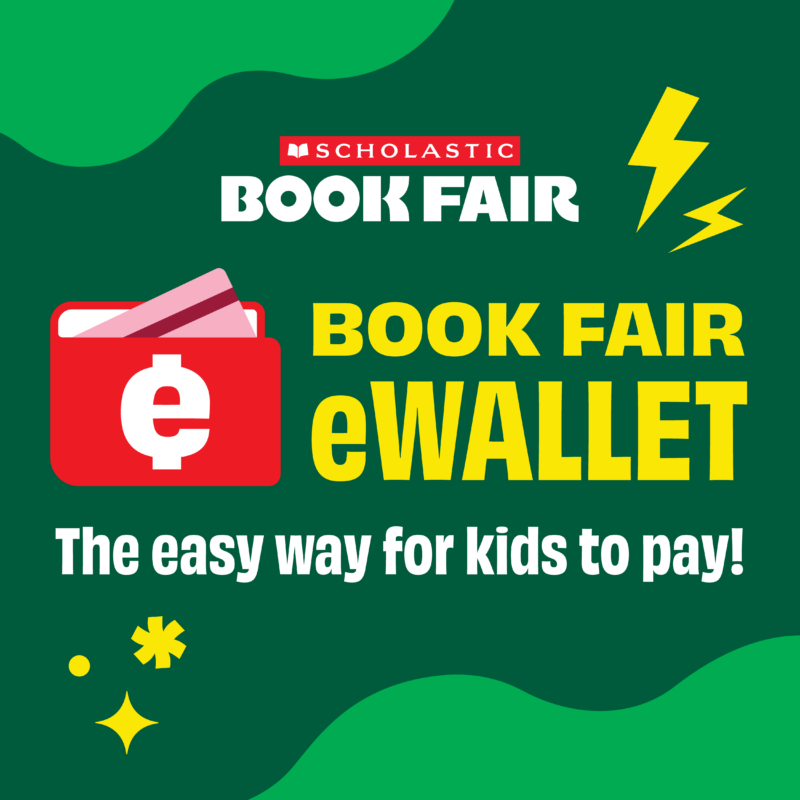
The Book Fair is NO CASH. We accept e-Wallet, which is an easy way for students to buy books at the Book Fair next week.
Please set up your student(s) e-Wallets so that they may shop during the day. You can also transfer unused e-Wallet funds from a previous Book Fair. Please remember to spell the teacher’s name correctly when setting up an e-Wallet. This will help us locate your students’ funds faster at the register. You can find all the teachers on the BFA app>Menu>Staff Directory and/or website.
Steps to Set Up an eWallet
- Go to Scholastic Book Fairs and search for your school’s upcoming Book Fair.
- Open your school’s Book Fair homepage.
- Look for the “Before the Fair” section and click Get Started or Create eWallet.
- Sign in with your existing Scholastic account or register for a new account using your name and email.
- Select Student as the recipient, then enter your child’s first name, last name, grade, and teacher’s name.
- Add funds using a credit card, apply any leftover balance from a past fair, or share the eWallet link with family members so they can contribute